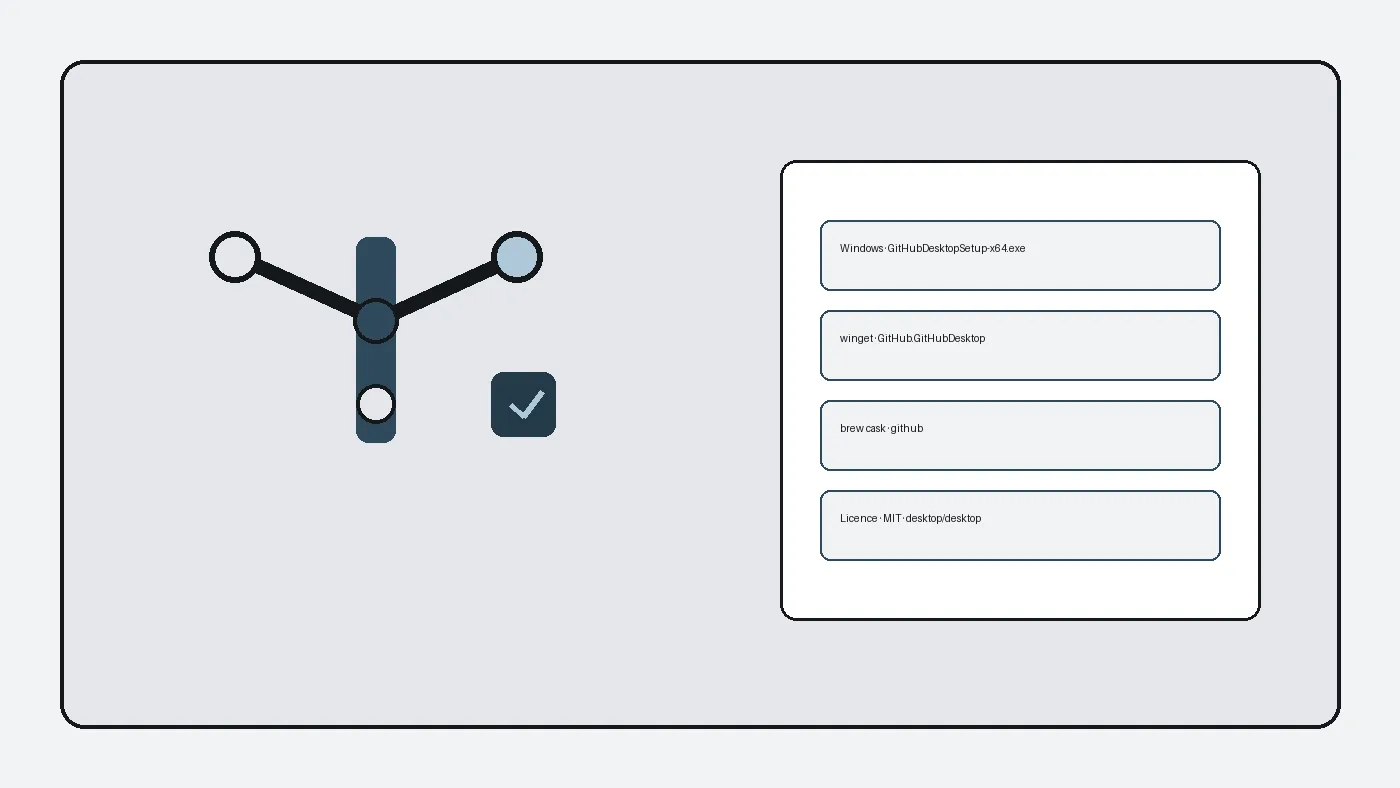
Install with Homebrew
brew install --cask githubCask token github is verified on formulae.brew.sh. Prefer one door per Mac.
Install with zip assets
Non-prerelease tags publish GitHub.Desktop-arm64.zip and GitHub.Desktop-x64.zip. Download the zip that matches your CPU, open it, and move the app into Applications when that is your team policy.
First launch
Open github desktop, sign in, clone a small repository, and prove a commit. Gatekeeper may ask you to confirm the app on first open when you used a manual zip.
Updates
Use brew upgrade --cask github when brew is the door, or return to the same Releases tag family for zips. Avoid mixing portal mirrors.
By Commit Quill editorial team · Last verified [date] · Current release [tag]
Why this door
Prefer official GitHub Releases, winget id GitHub.GitHubDesktop, or Homebrew cask github. Skip adware portals that only rank for the head term.
Prove the install
Launch github desktop, open Help → About, then clone a small public repository and make one local commit. That prove step catches broken credentials early.
Shared desk notes
Print the door you used on the lab card. After reimage, repeat the prove step before handing the machine back. Keep beta tags out of golden images.
Related links
Lab imaging notes
Golden images that include github desktop should freeze only after a reboot and a prove-one-commit step. Login scripts that delay first launch hide broken Start Menu shortcuts. Antivirus first scans that quarantine a fresh Setup.exe need a known exception path written for the helpdesk.
Borrowing a random USB installer from a drawer is how adware returns. Prefer a hashed copy on trusted media or the same winget id the fleet already allows. When the Store is broken, the Releases Setup.exe is the honest fallback.
Pin one update door per lab. Mixing winget one week and a random mirror the next week creates two credential states and two tickets. Trainers should rehearse the prove step on a tiny public repository so demos stay short.
Ticket quality
Good helpdesk tickets name the OS build, the installer door, and the exact symptom. Attach a screenshot of the repository list and the Options path. Mention whether GitHub.com sign-in toggled during the failure. That package of facts saves a day of chat.
Bad tickets say only that git feels wrong. Wrong can mean an empty clone, a full disk, a buried branch, or a credential conflict. Ask the reporter to undo one change at a time and retry the prove step.
Escalations should include the tag name and the asset filename when a manual Setup.exe was used. Package-manager installs should include the winget or brew command verbatim. Substitutes can then recreate the desk without guesswork.
Travel and classroom habits
Travel laptops benefit from a single documented installer door written beside the folder that holds clones. School machines should receive the installer on hardware they control, plus a shared note for the update door. Shared desks should keep a short prove-one-commit checklist before calling the image ready.
Classroom images should pin the exact Setup.exe filename beside the OS version. After every reimage, prove one short local commit before you call the machine ready. That habit catches vanished credential helpers and adware shortcuts that reappear from old bookmark exports.
When a semester ends, uninstall from machines that leave the pool and clear local clones per retention rules. Keep signature verification optional for threat models that require checksums from the same tag. Prefer the newest non-prerelease release tag that publishes GitHubDesktopSetup-x64.exe. Beta lines stay out of golden images.
Shared apartments running the app on one PC benefit from separate OS user accounts when two people push with different GitHub identities. Write the GitHub username on the lab card so substitutes do not publish under the wrong account. Firewall and proxy environments need an explicit note about HTTPS remotes versus SSH.
Runbook language that stays calm
Internal runbooks should quote the winget id GitHub.GitHubDesktop, the brew cask github, and the desktop/desktop Releases URL without marketing adjectives. Staff skim under stress. A short checklist with five boxes outperforms a three-page essay that nobody finishes.
Include a rollback line: where the previous Setup.exe lives, how to uninstall, and who owns the software library hash list. Rollback plans fail when the only copy sat on a retired laptop. Translate jargon for volunteers. Say use the official GitHub Setup.exe file instead of assuming everyone knows which mirror is safe.
Clarity beats cleverness during the first week of a new semester. Overnight lab monitors appreciate a note that says whether GitHub.com sign-in is expected on that image. Phone users still need a desktop path for larger diffs, so keep both habits documented so tickets do not mix mobile Git apps with desktop Setup.exe filenames.
After a clean install, large monorepos can overwhelm a new contributor. Start with a small repository, then clone heavier remotes once push works. Keep clone folders on a volume with headroom when you use LFS-heavy projects. Prove a short commit before cloning huge remotes. Keep one update door per machine. Back up SSH keys and credential helpers before major version jumps. Treat GitHub credentials as separate from the Setup.exe install door.
Frequently asked questions
How do I start with Install github desktop on macOS?
Follow the steps on this page using official Releases, winget, or brew. Prefer GitHubDesktopSetup-x64.exe on Windows non-prerelease tags, then prove one commit after install so credentials and remotes are healthy before larger clones.
Which install door is safest?
Use desktop/desktop GitHub Releases, microsoft/winget-pkgs id GitHub.GitHubDesktop, or Homebrew cask github. Those doors publish named assets and verified package ids. Softonic-style portals often wrap the same search intent with extra installers.
Do I need a paid seat?
No. github desktop is free under MIT. You can clone and commit without buying a seat. GitHub.com accounts remain free for public repositories. Prefer official doors, then prove one commit after install.